Storefront
Give customers a shop they can browse.
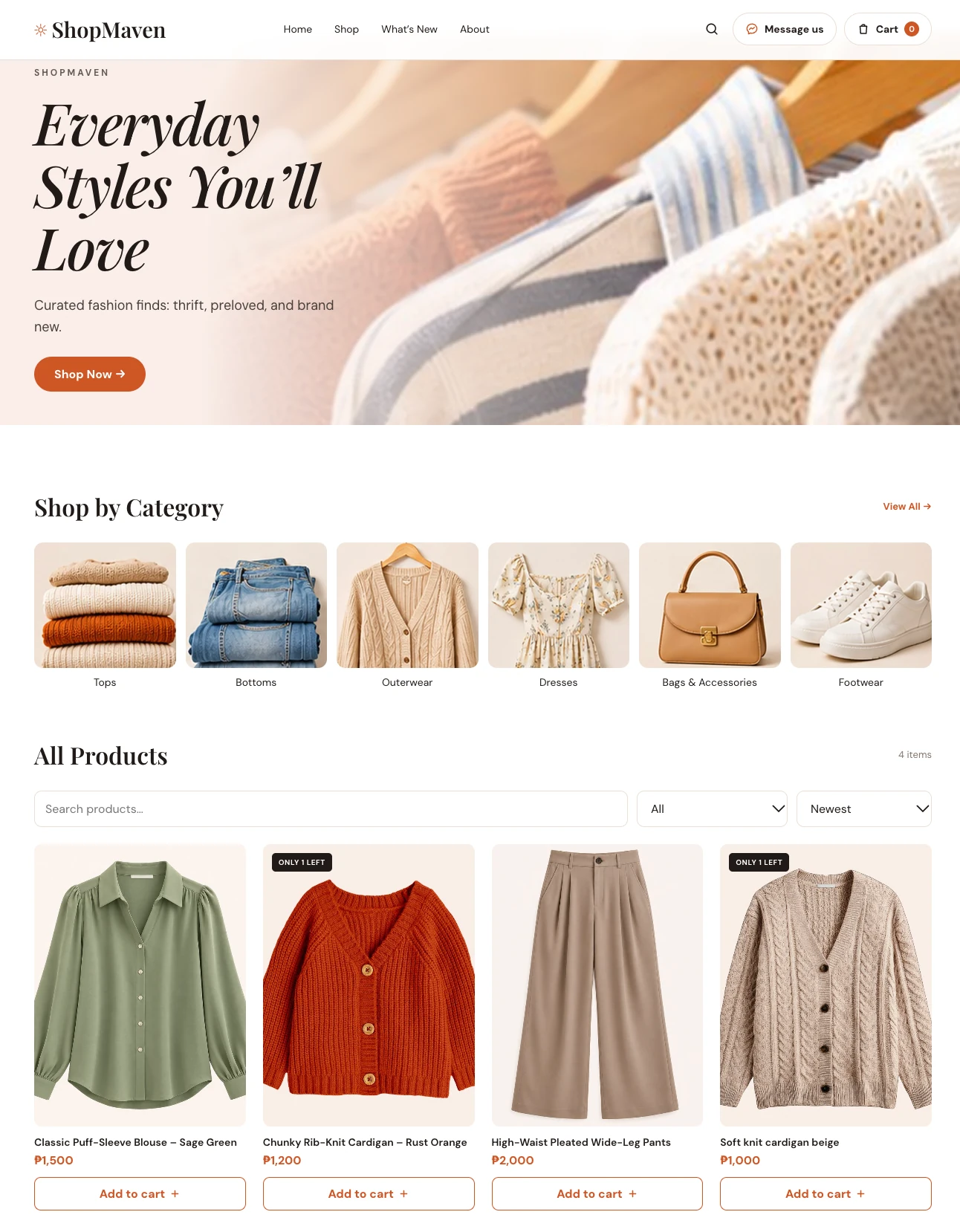
Share one store link. Customers can browse categories, search your catalog, see low-stock indicators, and add products to their cart.
- Product categories
- Search and filters
- Shopping cart
ShopMaven · Early registration
Give customers a storefront they can visit from Facebook, Instagram, Messenger, or anywhere you share a link. Sell clothes, skincare products, shoes, gadgets, or any other type of product. Keep listings, stock, and orders together as your business grows.
See ShopMaven in action
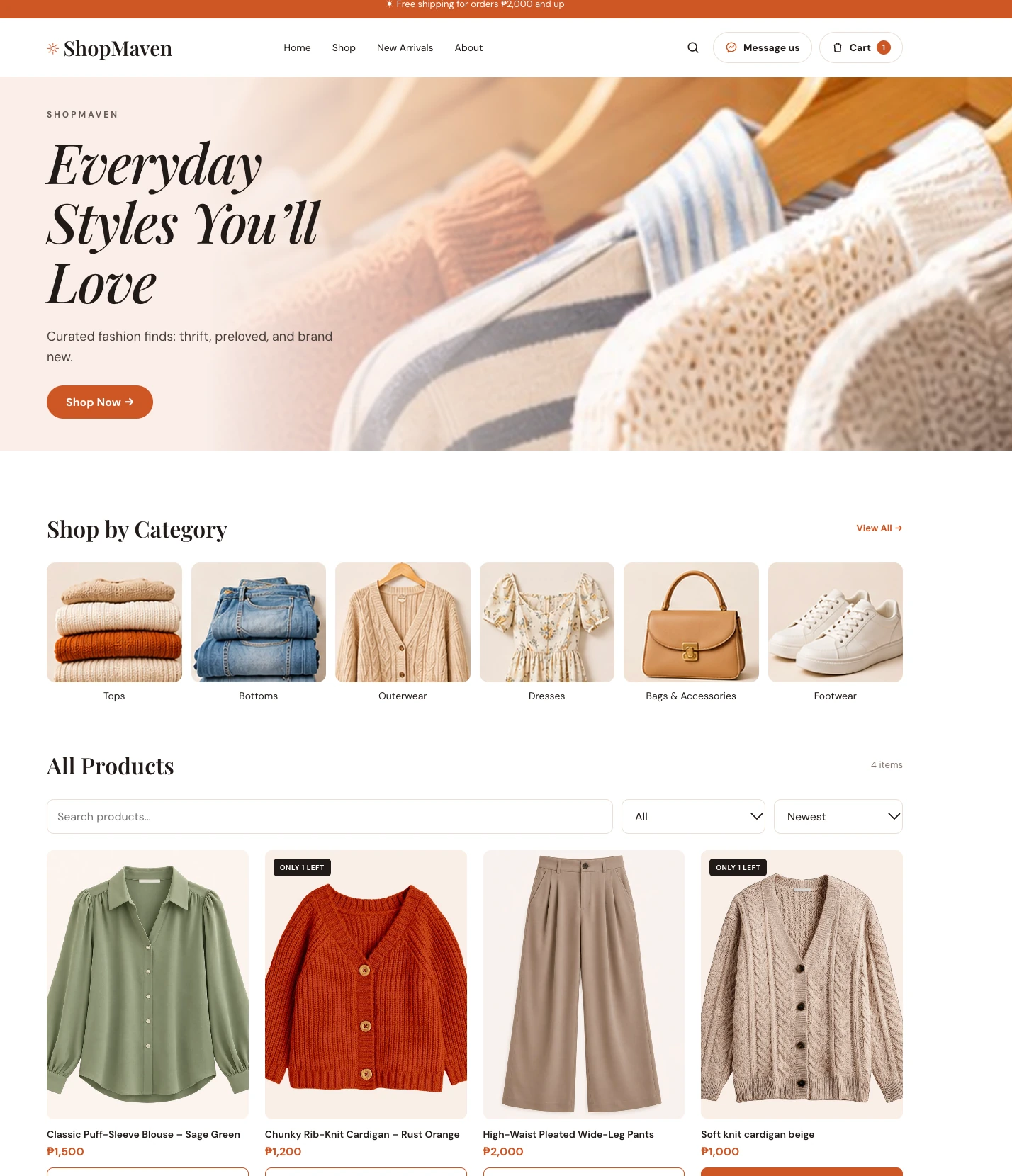
Storefront
Share one store link. Customers can browse categories, search your catalog, see low-stock indicators, and add products to their cart.
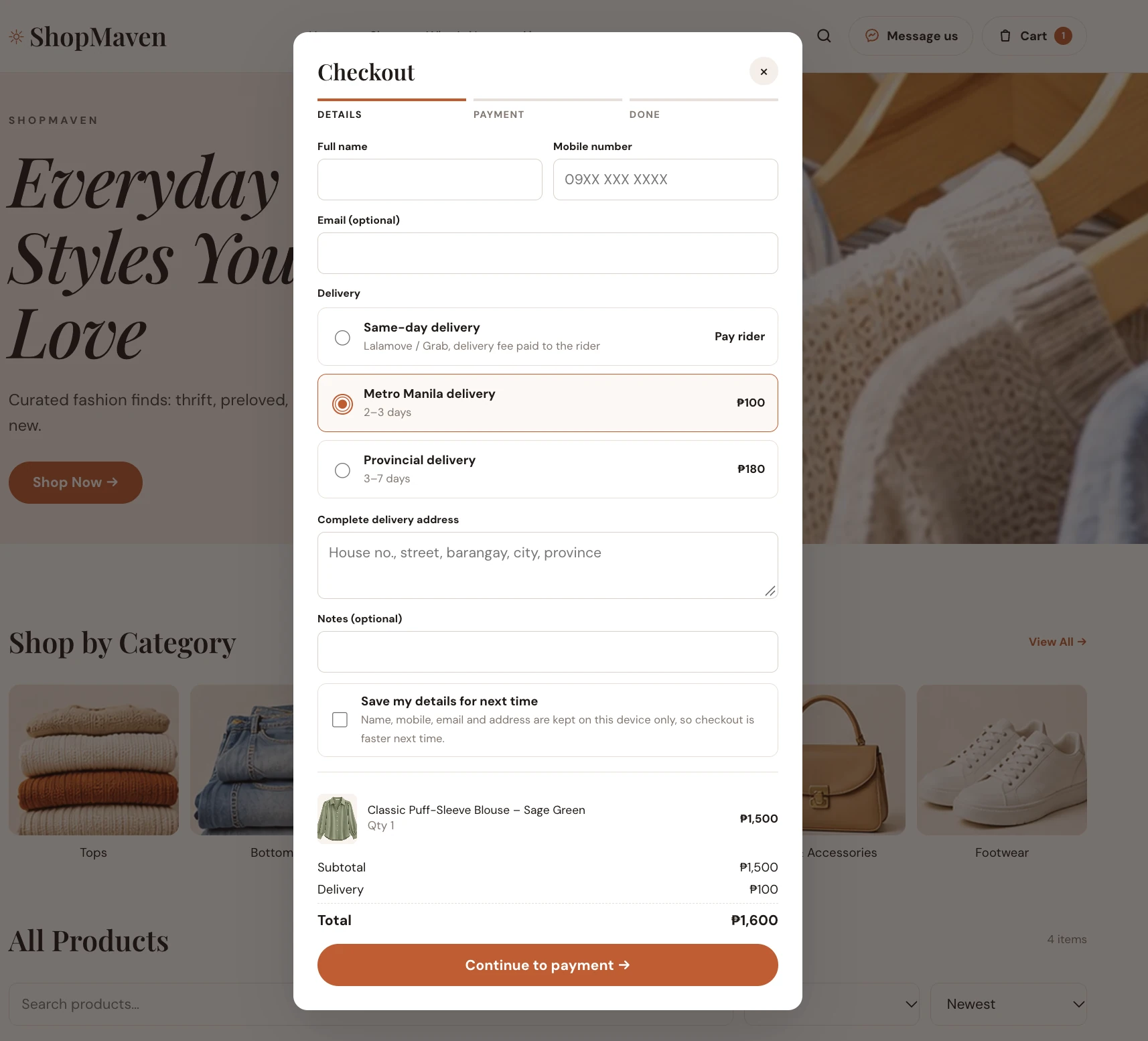
Checkout
Customers can enter their delivery details, choose from the options you offer, and review their total before continuing to payment.
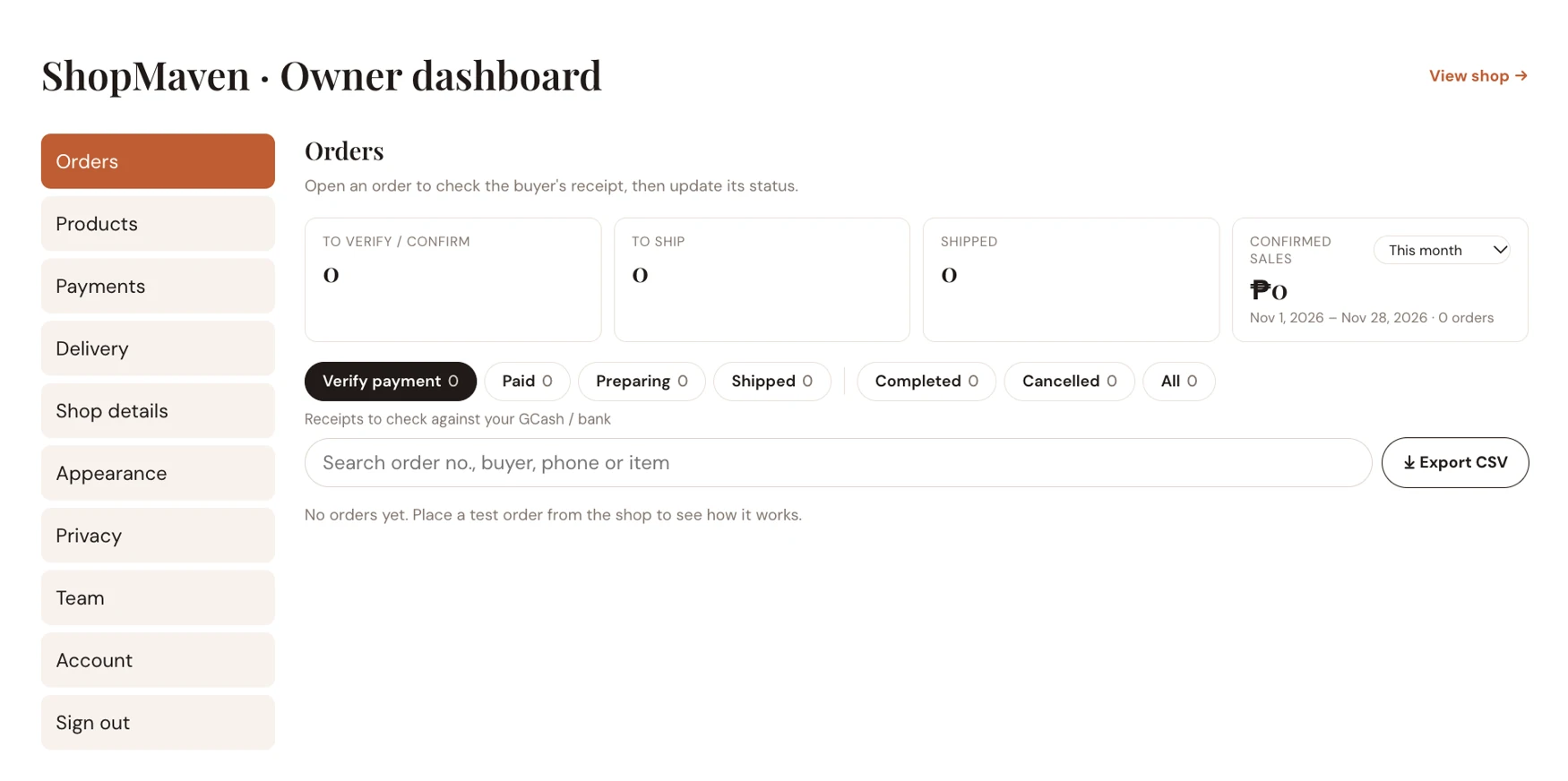
Owner dashboard
Check payment receipts, update order status, and see confirmed sales. Search orders or export them to CSV when you need a record.
Make it yours
Choose a ready-made palette or set your own accent, footer, and background colors. Add your logo, browser tab icon, and homepage photo to make the shop recognizable at a glance.
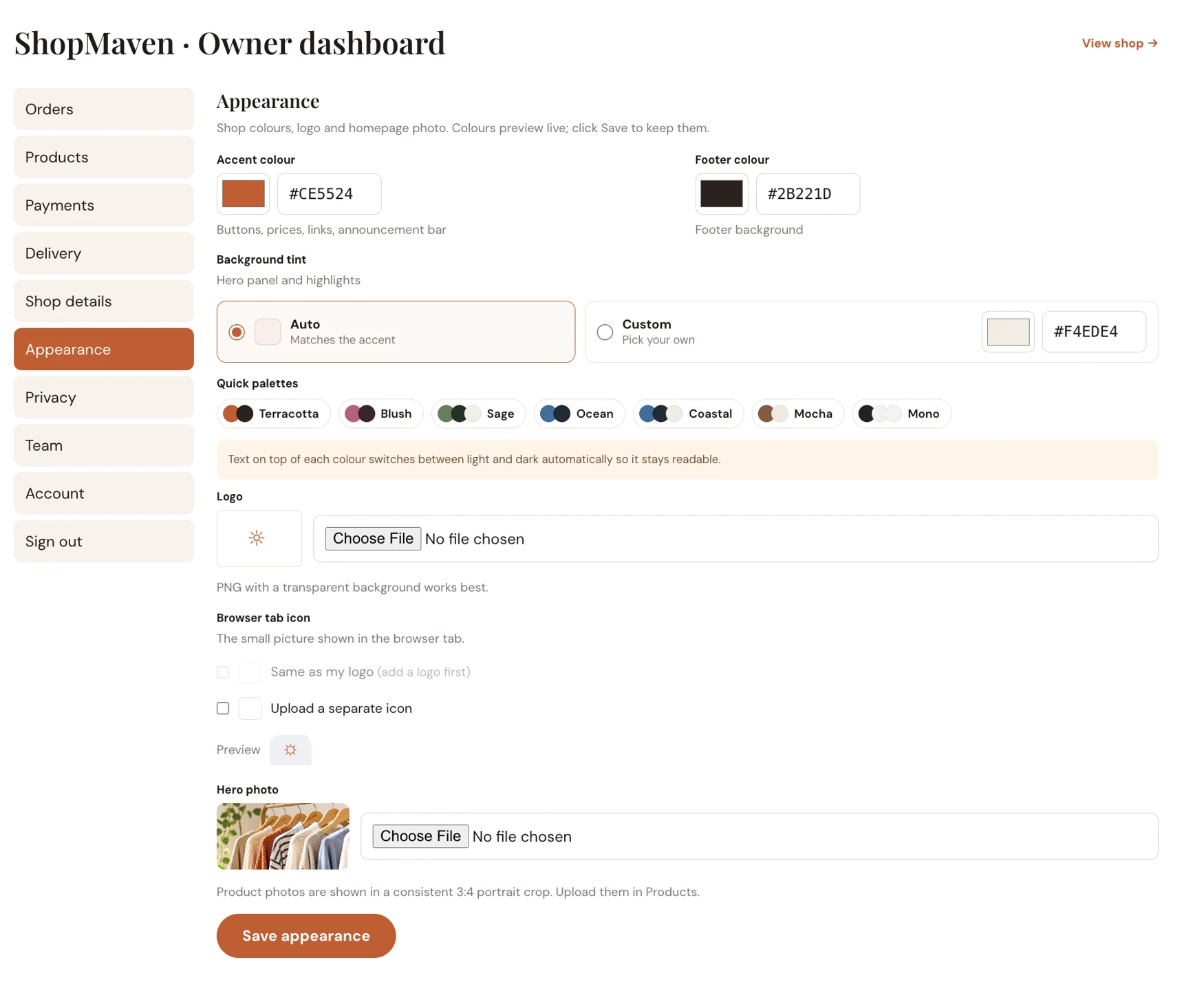
Preview color changes in the dashboard, then save the look that suits your shop.
View appearance settings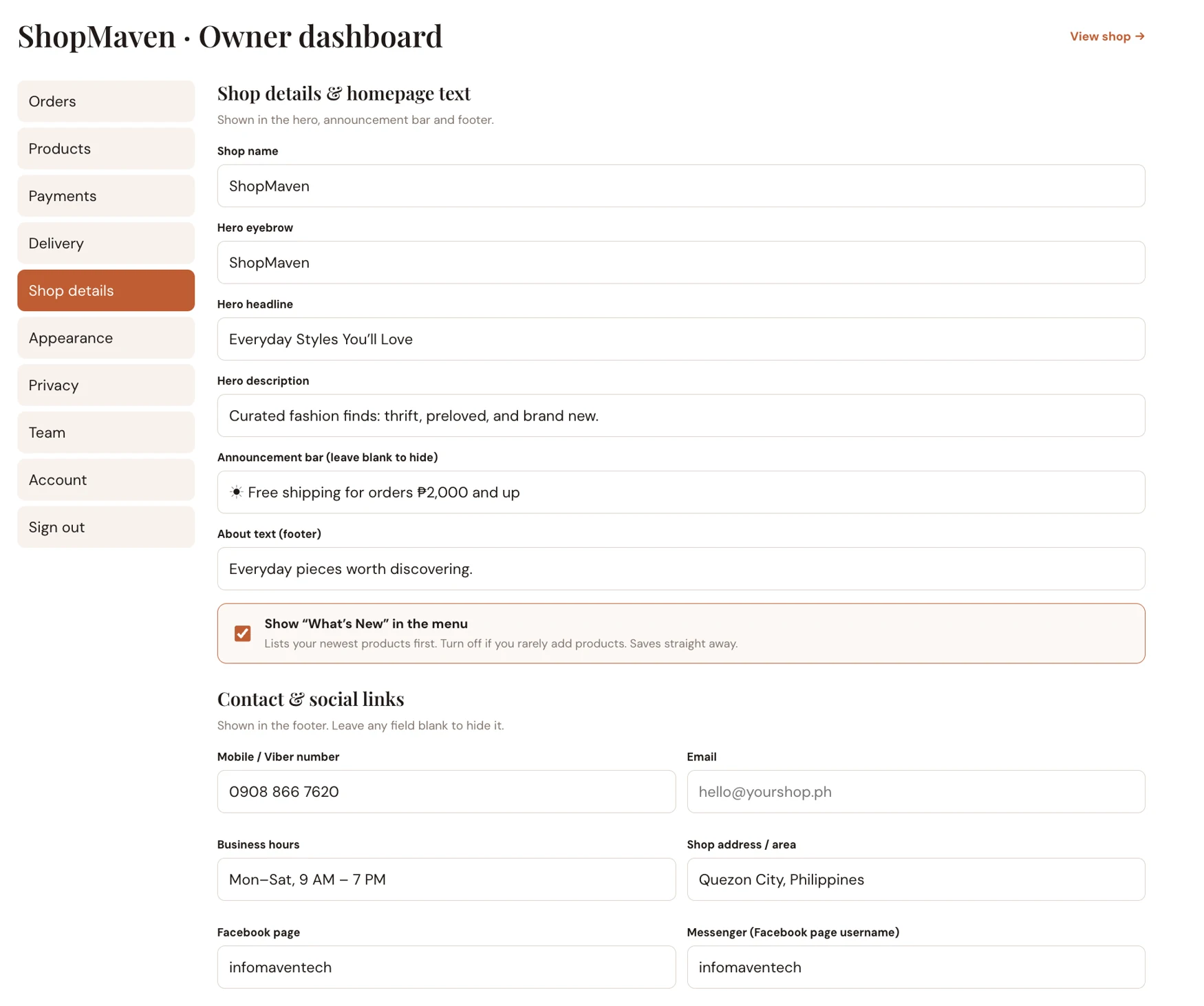
Edit your headline, announcement, and footer text. Decide whether to show What’s New, and add your business hours and social links.
View shop details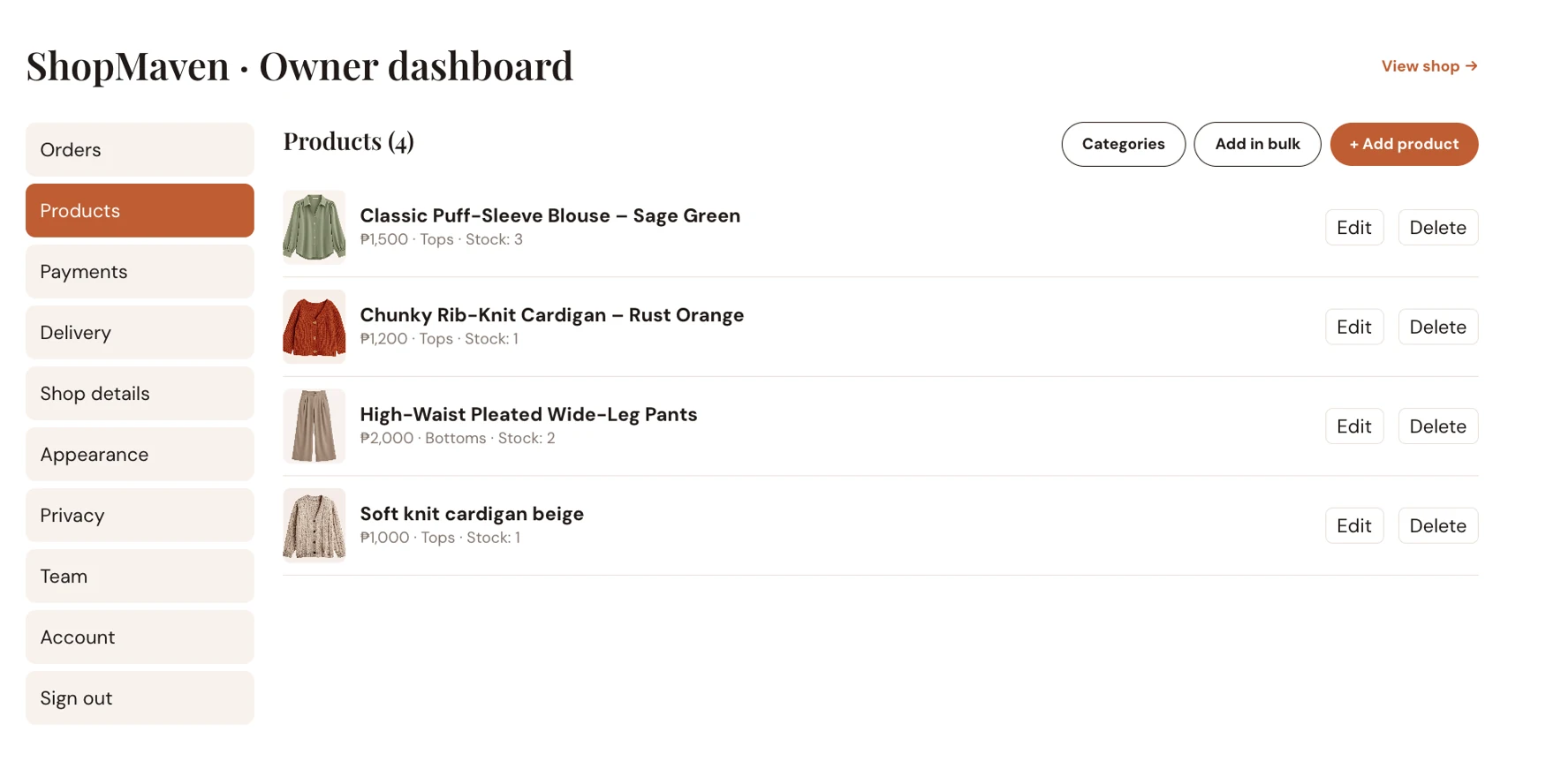
Organize your catalog around what you sell. Add products individually or in bulk, then update prices and stock as needed.
View product settingsStorefront examples
See the fashion storefront’s homepage, clothing categories, and product listings.
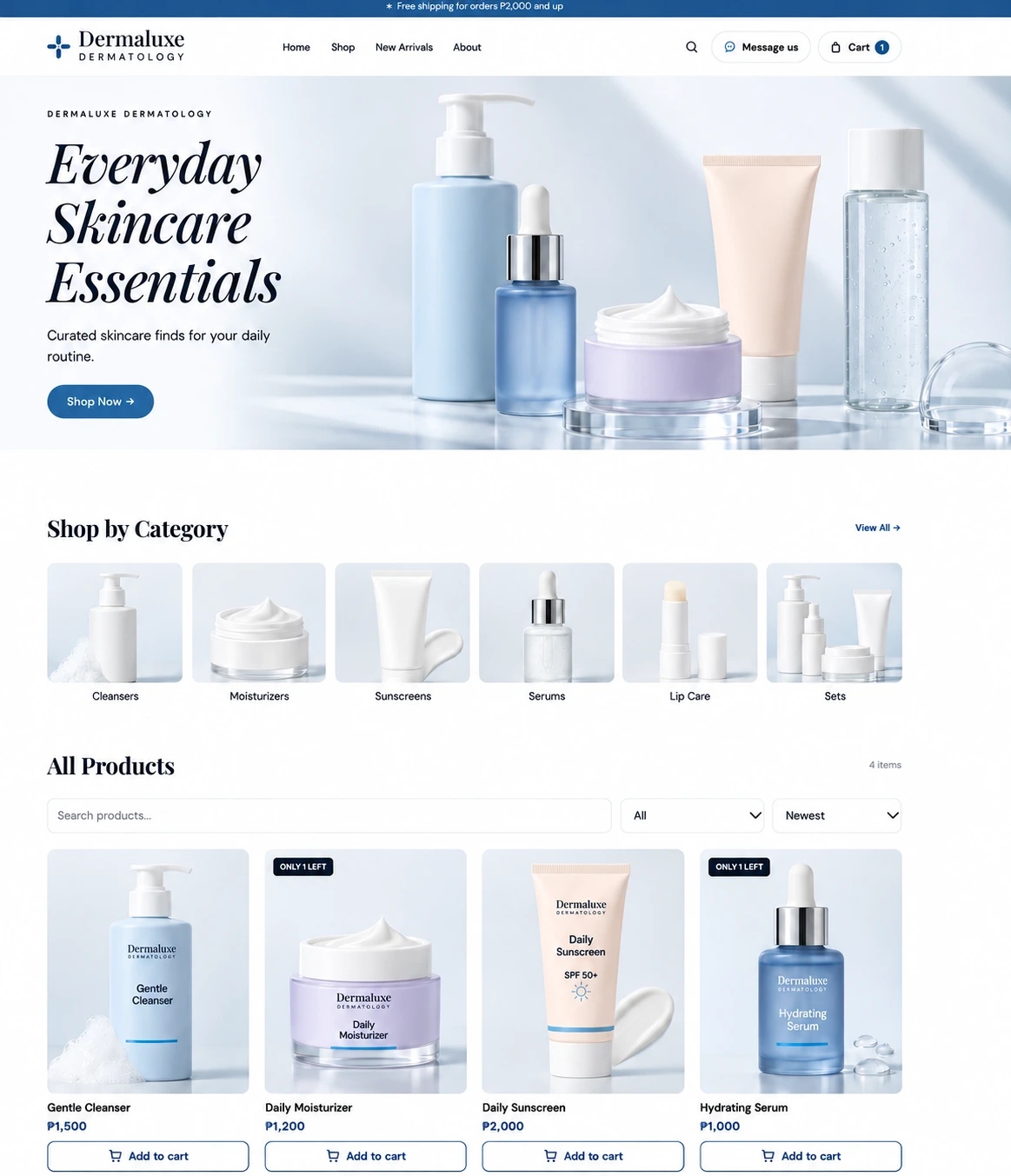
View sampleA sample product storefront for a dermatology clinic, featuring skincare essentials in a white-and-blue layout with varied product packaging.
View sampleShopMaven early registration
Share what you sell to ask about early access and monthly subscription options. Self-service store setup is planned.